
Logitech joins the AI clipping race: handy as an editor, brutal about your CS skills
By Redacción UWLG · Source: PC Gamer
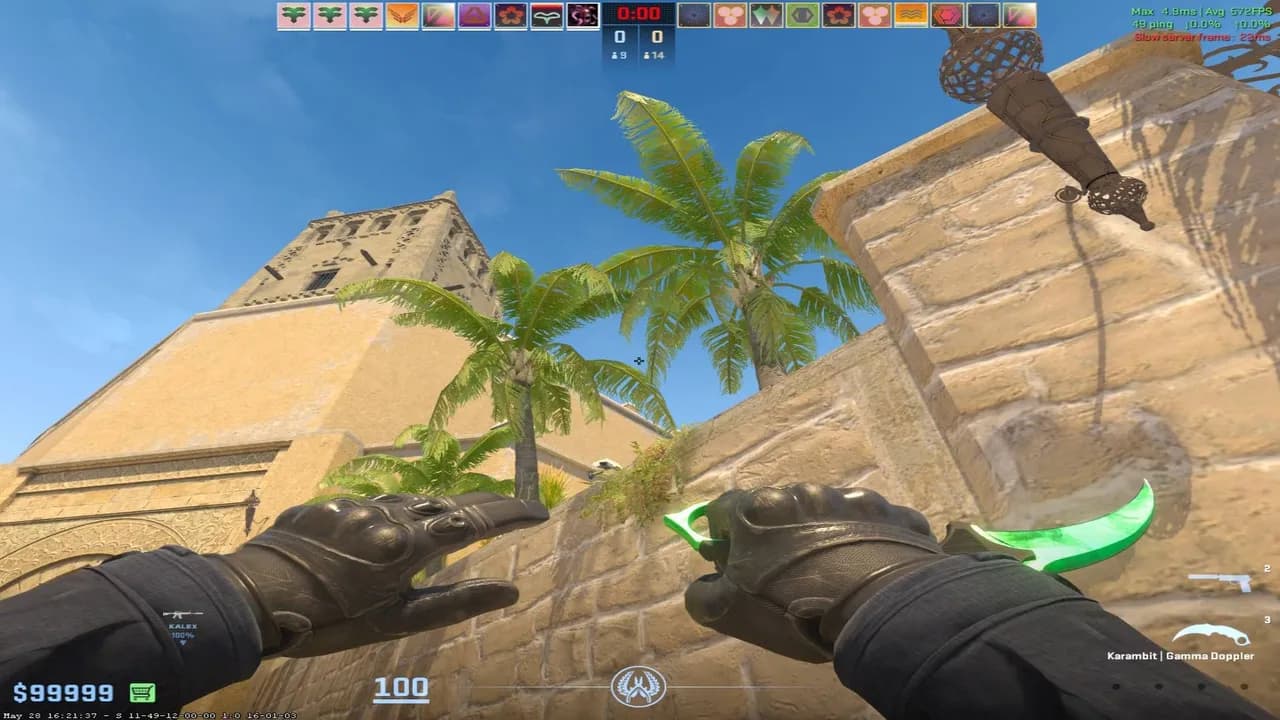
Imagen: PC Gamer
Logitech has launched new AI-powered clip capture software for games, and PC Gamer has already put it to the test in Counter-Strike. The verdict comes with humor and a fair amount of honesty: the tool exposes the less-than-stellar plays of the person who tried it, yet it still stays installed, because as a simple recorder and manual editor it works pretty well.
Why should you care? Because automatic clipping is one of the quiet battles in the gaming ecosystem. More and more brands and platforms want to be the app that captures your best round without you pressing a thing, and Logitech stepping into that space says a lot about where the software bundled with keyboards, mice and headsets is heading. For a team like ours, which lives as much on competing as on creating content, any tool that promises to save hours of editing deserves a close look.

What you need to know
- Logitech has new game clipping software built on artificial intelligence.
- PC Gamer tested it while playing Counter-Strike.
- The conclusion, tongue firmly in cheek: the clips didn't make the tester look good.
- The praise focuses on one specific thing: it works well as a small recorder and manual editor.
- Despite everything, the final decision was to keep it installed.
What AI clipping promises and where Logitech fits in
The general idea behind these tools is familiar: the program watches your match, detects highlights and saves them so you can trim and share them later. On paper, it's a perfect fit for tactical shooters like Counter-Strike, where a round can be decided in seconds and nobody wants to dig for a clutch in an endless recording.
What's interesting about PC Gamer's test is where it puts the emphasis. The headline pokes fun at how bad the player looks on screen, while the summary highlights the manual side: recording and editing yourself. Reading between the lines, AI doesn't seem to be the main selling point yet; what wins people over is having a lightweight, built-in editor. That said, the source doesn't go into specific features, compatibility or pricing, so it's worth waiting for more testing before drawing any technical conclusions.
Who it might appeal to
- Casual players who want to save the odd play without any hassle.
- Content creators who need a quick first cut before moving to a professional editor.
- Competitive players who review their own mistakes: if the tool shows you your errors, it can also help you learn from them.
Our take
Here in the Underworld Lordz newsroom, we like the honesty of this approach. A tool that shows you, unfiltered, how badly you played isn't a flaw: it's exactly what any coach would ask you to review. The problem comes when the marketing sells AI as a highlight director that only keeps your best moments. If what it ends up offering is mostly a good manual recorder, that's welcome, but let's call it what it is.
For those of us who create content, the real value lies in the workflow. Recording, marking and trimming without leaving the peripheral's ecosystem can save a lot of time, as long as the program doesn't eat up resources mid-match, which is non-negotiable in competitive play. And let's not forget the overload: between graphics card software, gaming platforms and third-party apps, there are already too many options asking for permission to record your screen. Logitech will have to prove why its own deserves a spot on your PC.
Even so, when someone who just watched themselves embarrass themselves in Counter-Strike decides to keep the program, that's a sign worth paying attention to. We're keen to try it in our practice sessions, if only to find out how many of our highlights are actually lowlights.
What do you think?
AI clipping promises a lot, but PC Gamer's test suggests that, for now, the useful part is still the tried-and-true approach: recording and editing by hand. Would you let an AI pick your clips, or do you prefer trimming them yourself? Let us know in the team chat or on our Discord.
Your turn
What do you think?
Share your take in the team chat or on Discord. We feature the best opinions in the next article.
How did it land?
Community takes
…
Keep reading
Gaming
AwaykeN drops 62 kills on a single map: a CS2 LAN record and a loss after six overtimes

Parches
CS2 launches 3v3 Rush, but the Chicken Egg steals the spotlight
Competitivo
Junior hits a nerve: North America has too many AWPers and not enough IGLs
Gaming
HLTV releases its Week 37 short news roundup: the small stories that move Counter-Strike
Team guides
Errores comunes en squad en CS2 y cómo corregirlos
Team guides
CS2 en 2026: meta de armas, roles y cómo subir de rango